
Where to start: goal, format, and team
A good business podcast does not start with microphones, but with positioning. First, determine why your podcast exists and for whom. Brand content that works sounds like a conversation your target audience is part of. Think of in-depth interviews with customers, roundtables with experts, or miniseries that conclude a theme in six episodes. Choose one primary KPI – for example, subscriber growth, demo requests, or the number of completed listening sessions – and let all production choices contribute to that.
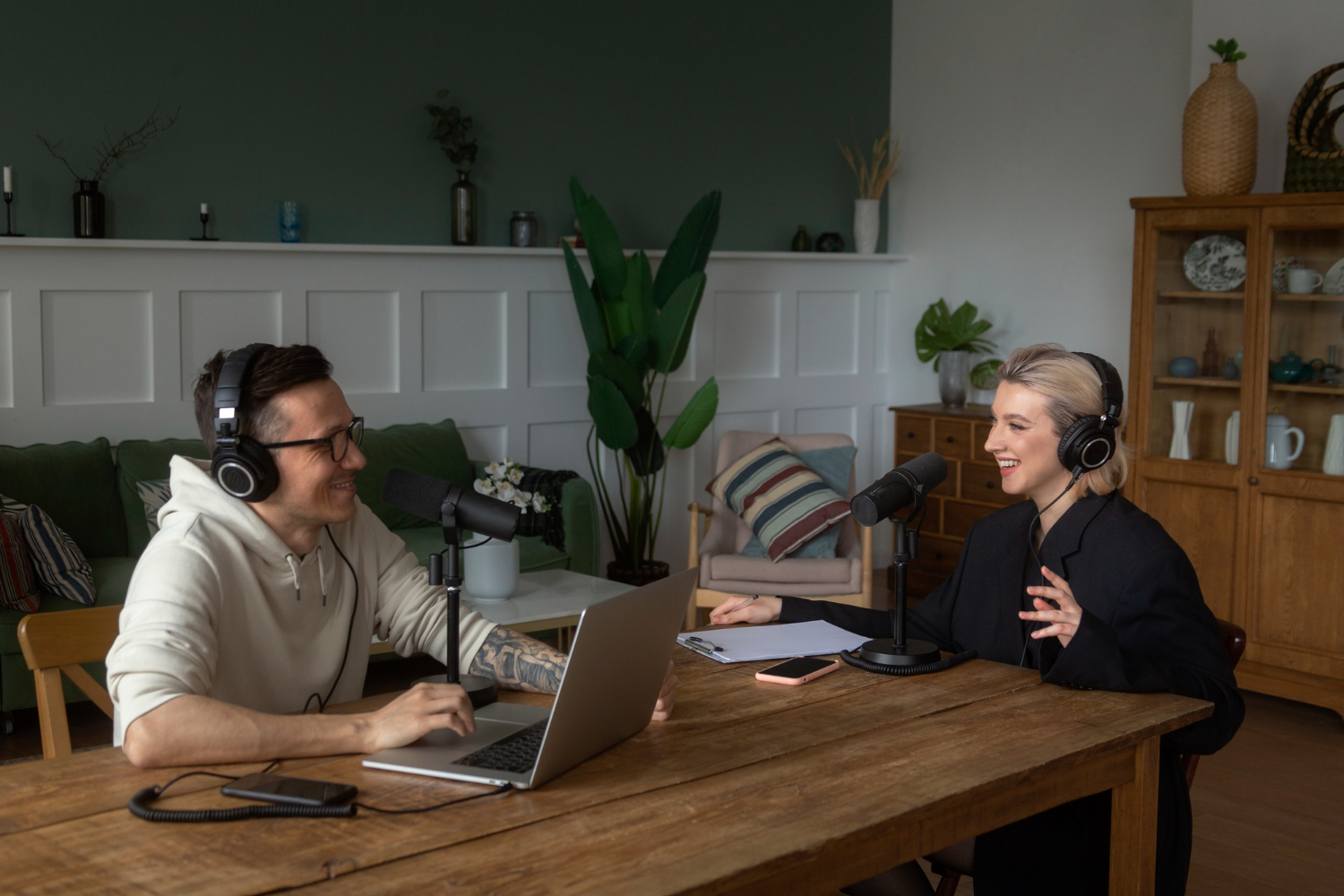
Next, establish your format. A host-plus-expert formula provides structure and is logistically simple; a roundtable with three or four voices is lively but requires more direction and microphones; a miniseries with a clear beginning and end (6-8 episodes) is ideal for testing and bundling promotion.
Blueprint for success: inspiration and team roles
Use the recent winner, Mino's Imperium at the Dutch Podcast Awards 2025 – a podcast about the life of football agent Mino Raiola – as a source of inspiration. Check out the full list of winners of the Dutch Podcast Awards 2025 for an overview of the best productions at this moment. Also check the nominees by category and borrow what works – format, opening question, length, sound design, shownotes, and promotion – for your first three episodes. Categories include Sound Design, Best Interview, Chatcast (Entertainment & Informative), Journalism, Narrative, Daily, Fiction Youth, Branded Podcast, Innovation, and Best Podcast of 2025.
Finally, assign roles, even if people wear multiple hats: host (content + direction during conversation), producer (planning, script, guest logistics), editor (audio), editor (outline, shownotes), and someone who monitors distribution/analytics. Plan a pilot episode: a full recording that you internally assess for content, pace, and sound quality. The pilot sets the bar.
Business case in five bullets
A short decision card that helps you internally with the strategic justification:
- Problem/position: what knowledge gap are we filling for our target audience?
- Promise: what does one episode deliver to the listener exactly?
- KPI: what are we optimizing in the first 90 days?
- Cadence: bi-weekly or in seasons?
- Evaluation: after three episodes – what do we stop, what do we scale?
What you can realistically expect in 2026 after making a podcast
Podcast consumption is at a historic high. Recent data from the Infinite Dial 2025 and the new Global Podcast Study confirm record reach and further professionalization of the medium towards 2026. With an average listening time of no less than 6.3 hours per week, audience engagement is greater than ever. YouTube has now become the primary access channel for weekly listeners, followed by Spotify and Apple Podcasts – relevant if you are considering a video or audio-video strategy alongside RSS. Platform features such as Apple's automatic transcripts (more than 100 million episodes have now been provided with transcripts) also significantly improve findability and accessibility, as they allow searching within the text. In the Netherlands, the NMO Podcast Standard (with Triton/IAB compliance) provides comparable, market-wide reports – essential for your MT reports.
What equipment do you really need when making a podcast?
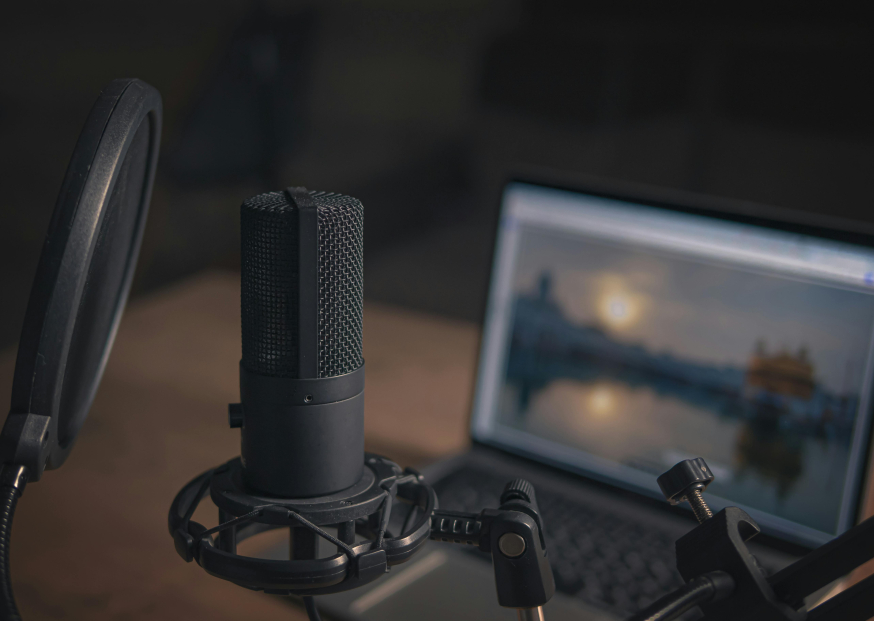
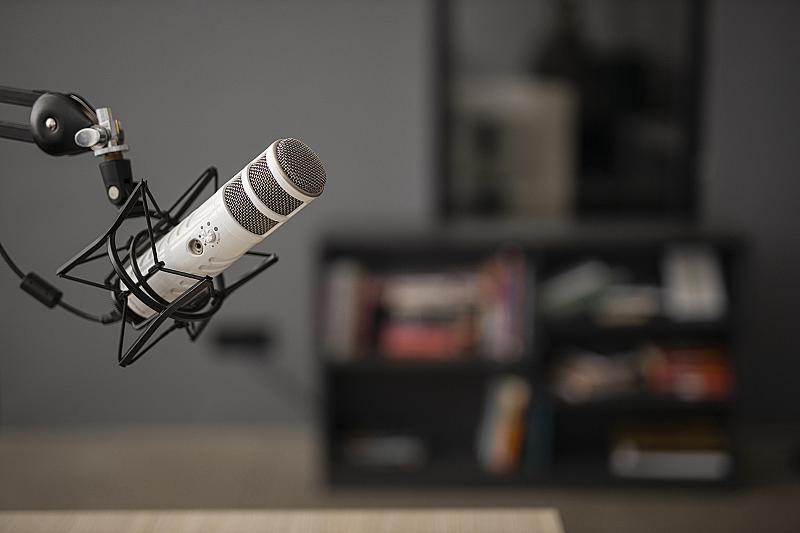
When making a podcast in the office, 'simple, quiet, and scalable' is the motto. In meeting rooms, dynamic microphones almost always work better than condensers: they pick up less ambient noise and air conditioning. Combine them with an audio interface or USB mixer with enough XLR inputs (2-4) and separate headphone outputs. Add stable mic arms (no table clamps that transmit every tap), pop filters, and closed headphones for everyone.
Acoustics are the silent profit maker: no expensive "soundproof studio", but absorption. Thick curtains, carpets, bookshelves, and possibly portable panels reduce reflections. Choose one fixed room and mark a fixed setup: table, chairs, cables with Velcro, labels on microphones and inputs. This way, your set is "record-ready" within ten minutes.
Basic set (budget-friendly, 2 speakers)
- 2” dynamic XLR microphone with shock mount
- 2-channel USB audio interface, 2 headphone outputs
- 2” closed headphone, 2” pop filter, 2” mic arm
- Cable set + Velcro + carpet/throws for damping
Pro-light set (growth, 3-4 speakers or roundtable)
- 3-4” dynamic XLR microphones, color labels per speaker
- 4-channel interface or compact mixer with multitrack USB
- 4” closed headphone with splitter/amp
- 4” mic arm, 4” pop filter, portable acoustic panels
Recording and directing in the office
A quiet space is half the battle, signal management is the other. Start with a sound check: have everyone speak at conversation volume, set the gain per channel so that peaks land around -12 dBFS, and monitor with headphones. Always record 10-15 seconds of room tone (useful for noise profiles during the edit). Put phones on airplane mode and connect laptops to power to prevent USB interference. Establish simple hand signals (slower, louder, repeat) so the host can direct without interruptions.
Checklist for recording session (10 points)
- Room ready (door closed, air conditioning low)
- Microphone distance ¾ of a hand's width, pop filter straight
- Gain per speaker adjusted, no clipping
- Monitoring works for all headphones
- Room tone recorded
- Script and opening line ready
- Water + silence sign outside the door
- Backup recorder or 2nd recording app active
- Notes/markers during recording
- End: save file names + timestamps immediately
Hybrid or remote? Tools and pitfalls
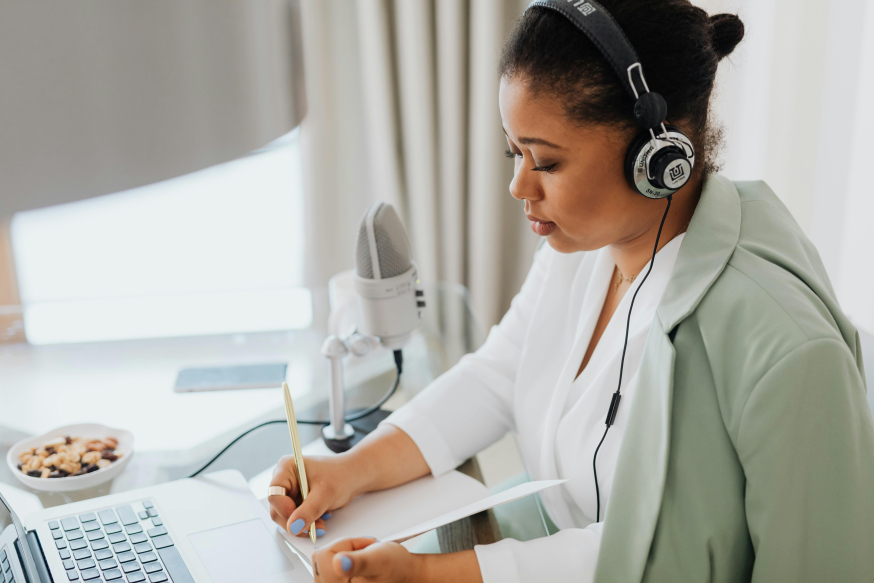
Many business conversations have a remote guest. Choose tools that record local tracks per participant; this delivers the best quality and makes post-production simple. In a hybrid setting (host and one guest in the meeting room, another guest online), echo prevention is crucial: let remote audio run only through headphones and never through speakers in the room. Always make a backup (e.g., a second laptop with simultaneous recording or a separate audio recorder) and ask remote guests to use their microphone on "dynamic" or at least a headset with an arm.
Mini-FAQ
Can making and broadcasting a podcast with Teams or Zoom? Yes. For multitrack, you can have Zoom record locally per participant. Teams is less convenient for standard recordings because you do not get separate audio tracks per speaker.
What if the connection stutters? Let the tool record locally and automatically upload; cut out stutters later.
What is your fail-safe? A backup recorder or a second device that runs alongside.
Which software do you choose for recording and editing?
Your DAW (audio editor) is a tool, not a religion. Audacity is free and can do everything you need: cutting, noise reduction, compressor, limiter. Adobe Audition offers a streamlined workflow for teams (favorites, batch processing). REAPER is lightweight, fast, and flexibly priced. Hindenburg is built for spoken word and makes export at loudness level childishly simple.
In mastering, maintain a consistent standard so your episodes sound equally loud everywhere: stereo around -16 LUFS (LKFS) with true-peak at -1 dBFS, sample rate 44.1 or 48 kHz. That is the level at which large platforms make episodes sound pleasant without extra distortion. Preferably work with separate tracks per speaker, so you can adjust noise, breath, and levels per person.
Export presets per DAW (practical starting point)
- Audacity / REAPER: Loudness Normalization at -16 LUFS stereo, True Peak -1 dBFS; export MP3 192-256 kbps or AAC 192-256 kbps, 44.1/48 kHz.
- Audition: Match Loudness panel at -16 LUFS (±1 dB), Limiter at -1 dBTP; export as above.
- Hindenburg: "Podcast" preset, check LUFS and bitrates; add chapters and cover art where relevant.
Hosting & channel strategy: RSS, Spotify, Apple, and YouTube
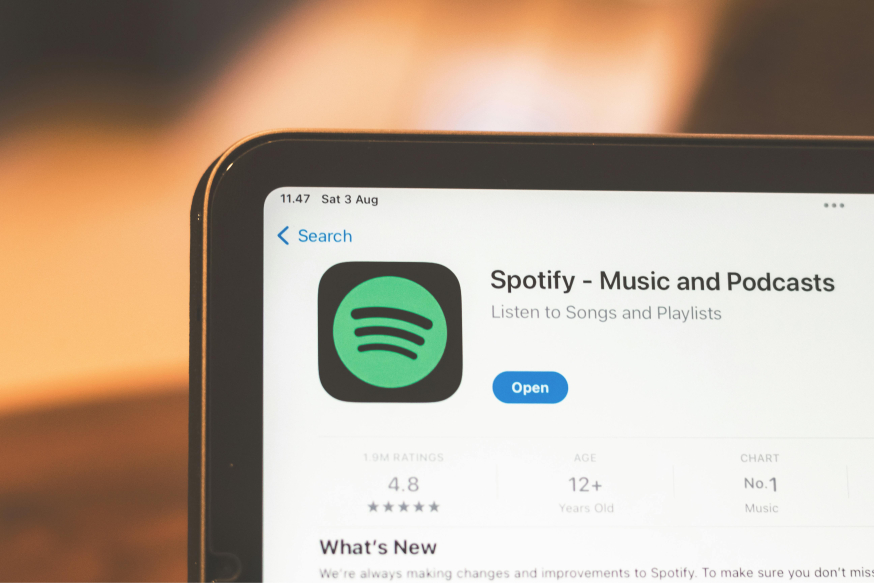
Publish your business podcast on major platforms like Spotify to increase your reach and take advantage of interactive features like polls and Q&A sessions.
Your hosting platform is the engine behind distribution and measurement. Choose an IAB-certified host so that downloads, sessions, and unique listeners are counted according to the same definitions as in the market standard. Publish via RSS to Apple Podcasts and Spotify, and decide for each series whether video is part of the strategy. Spotify supports video podcasts and interactive Q&A/polls; useful for engagement. YouTube has also become a full-fledged podcast channel: you can offer audio-first shows as a podcast playlist, and where available even publish via RSS ingest. For B2B brands, the combination of RSS + YouTube is powerful: you serve both the audio feed and the search and recommendation system of video.
Also read: The best podcast apps for growth, retention, and teamwork flow
Host selection in six steps
- Check your host's IAB certificate (version & validity) and current compliance status
- Access to separate per-episode analytics (including retention)
- Roles and rights for team members (host, editor, marketer)
- Multi-feed or seasons, and dynamic ads/markers
- Backups and export options for your audio files
- Support and integrations (YouTube, transcripts, chapters)
Rights & music: avoid hassle
Only use royalty-free music or music and SFX for which you own the rights (royalty-free, licensed, or own production) when you have started making a podcast in the office. Document the source, license ID, and duration in your playbook per track and avoid recognizable pop music to prevent claims. Explicitly ask guests for permission to use their name and/or quote usage in promotions – and archive that approval email with the episode. Publications on Apple Podcasts fall under Apple guidelines; when in doubt, check your content against those conditions in advance.
Carefully check the balance between speech and (royalty-free) music with a quality headphone during post-production.
Workflow: from script to publication in 7 steps
Making a podcast in the office remains manageable if you maintain a tight rhythm. Use this production loop:
- Goal & outline – outline the problem, promise, and three core questions per episode.
- Guest briefing – send brief context, planning, location, and ask for examples/cases.
- Recording – follow the checklist; note timestamps for strong quotes.
- First edit – cut repetitions and noise, shorten silences, maintain pace.
- Mastering & QC – normalize to -16 LUFS, check true-peak and listen on earbuds and speakers.
- Publication – upload to host, fill in shownotes, chapters, cover, and tags; push to Apple/Spotify and – if chosen – YouTube (video or audio variant).
- Distribution – plan social posts, newsletter snippet, LinkedIn carousel, and embed on your website.
Accessibility & findability: transcripts and chapters
Transcripts enhance both accessibility and SEO. Many platforms automatically generate a transcript; check names and technical terms and also add the transcript to your website. Chapters make episodes scannable: listeners jump to the relevant segment and stay longer. Always include core questions, mentioned tools, and speaker bios in your shownotes.
Publish the full transcript and add chapters; both improve findability and help listeners get to the relevant segment faster.
Promotion and content reuse
Publishing is not an endpoint but the start of distribution. Set up an amplification routine that can be executed by marketing in a maximum of 30 minutes per episode: a quote visual, an audiogram with subtitles, a LinkedIn post (with a carousel of three key points), and a short blog/news article that leads to the full episode. Work with guest toolkits (short example post + assets) and ask guests to share within their network. Consider video versions or short shorts/reels around one provocative quote; these work excellently as an entry point for new listeners.
Amplification plan in 30 minutes
- 10 min: cut snippet and subtitles
- 10 min: export visuals + carousel
- 5 min: write LinkedIn post and CTA
- 5 min: email guest toolkit and place website embed
How do you measure success and optimize?
Always measure from your goal. Do you want brand authority? Look at growth in subscribers, completed listening percentages, and qualitative feedback. Is lead generation important? Track traffic from shownotes to landing pages and the number of demo or contact requests. Compare retention curves in Apple and Spotify to see where listeners drop off; this provides concrete improvement points (shorter intro, tighter questioning, adding chapters).
Optimization is cyclical: gather feedback through sales/CS ("what questions are you hearing?") and implement a mini-pivot per season. Work with cadence: bi-weekly is often ideal – enough rhythm for growth, feasible for teams.
Measurement stack & governance: why IAB definitions matter
Not every "download" is a listener. That’s why there are IAB definitions that specify what you do and do not count (for example, filtering out bots and duplicate requests). If you choose a host that is IAB certified, you can work with one truth for your MT and marketing reports. Document simple definitions in your internal playbook – download, listening session, retention (XX% of duration), unique listener – and use them consistently. This makes effect measurements comparable across seasons and campaigns.
Budget & roadmap (0-3 months)
Focus your investment on quality that you can hear. With the basic set, you can create excellent one-on-one conversations; with the pro-light set, you can move on to roundtables. Also, account for time for edit/mastering (rule of thumb: 2-3 hours per recorded hour for simple conversations; a bit more for roundtables) and distribution (±1 hour per episode with a fixed routine). Plan your first quarter as follows: week 1-2 test setup and pilot, week 3-6 record and publish two episodes, week 7 evaluation, week 8-12 second duo episodes and scaling decision (video, extra host, events).
Time investment per phase (indication)
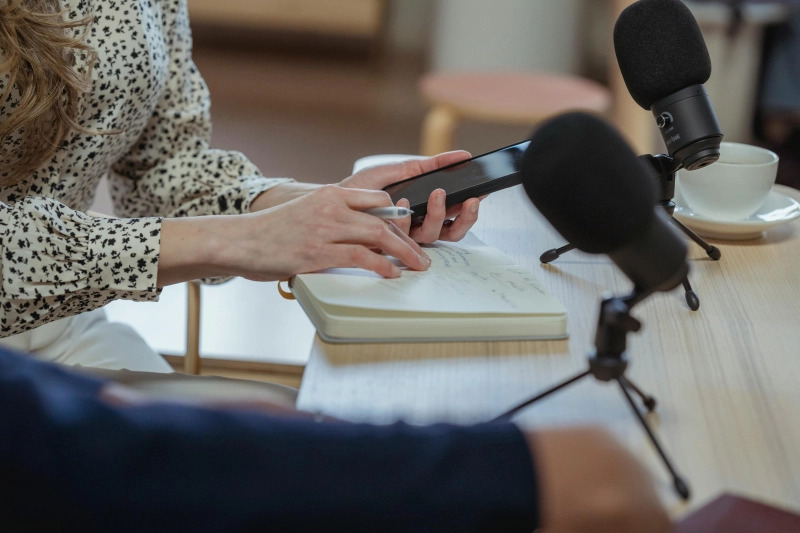
- Preparation/script: 45-60 min
- Recording (studio-ready setup): 60-75 min
- Edit + mastering: 120-180 min
- Publication + assets: 45-60 min
- Distribution + guest toolkit: 30-45 min
Get started with making your own podcast in the office
A strong brand podcast does not arise in the mix but in the organization: sharp choices, quiet office recording, consistent loudness, and distribution that truly increases your reach. With this plan, you can have three episodes live within one quarter that sound like your brand – and that listen to your KPIs.
Take the first step today: reserve an hour this week for your pilot recording. Choose a guest, block a meeting room, set up the basic set, and connect the equipment and record. Once the first recording is done, you can fine-tune the format and workflow. This way, you build a channel that delivers valuable content and conversations for months.
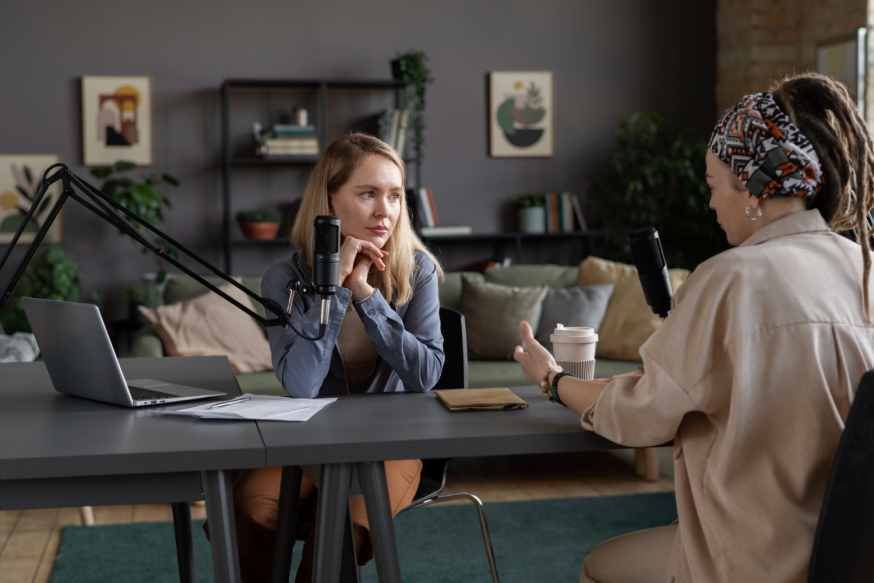
Any meeting room can be transformed into a professional recording studio with the right approach.
Also read all other Baaz articles about podcasts here